Whatsapp integration with FIS

FIS Updates

WhatsApp Integration

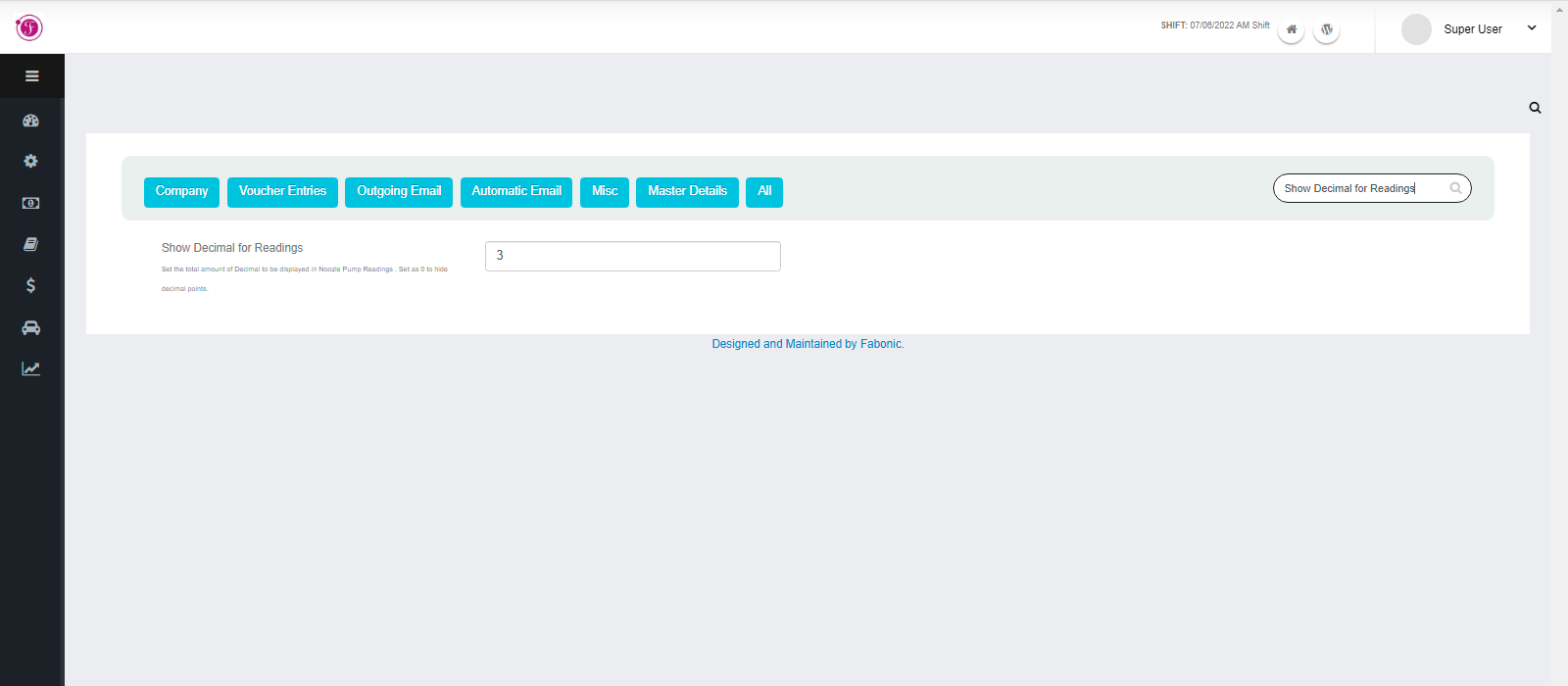
We are super excited to announce integration of Fabonic Information System (FIS) with WhatsApp. Now you can get reports, system activities notifications directly into your WhatsApp.

Read more

FIS Updates

How to Duplicate Proformas on FIS

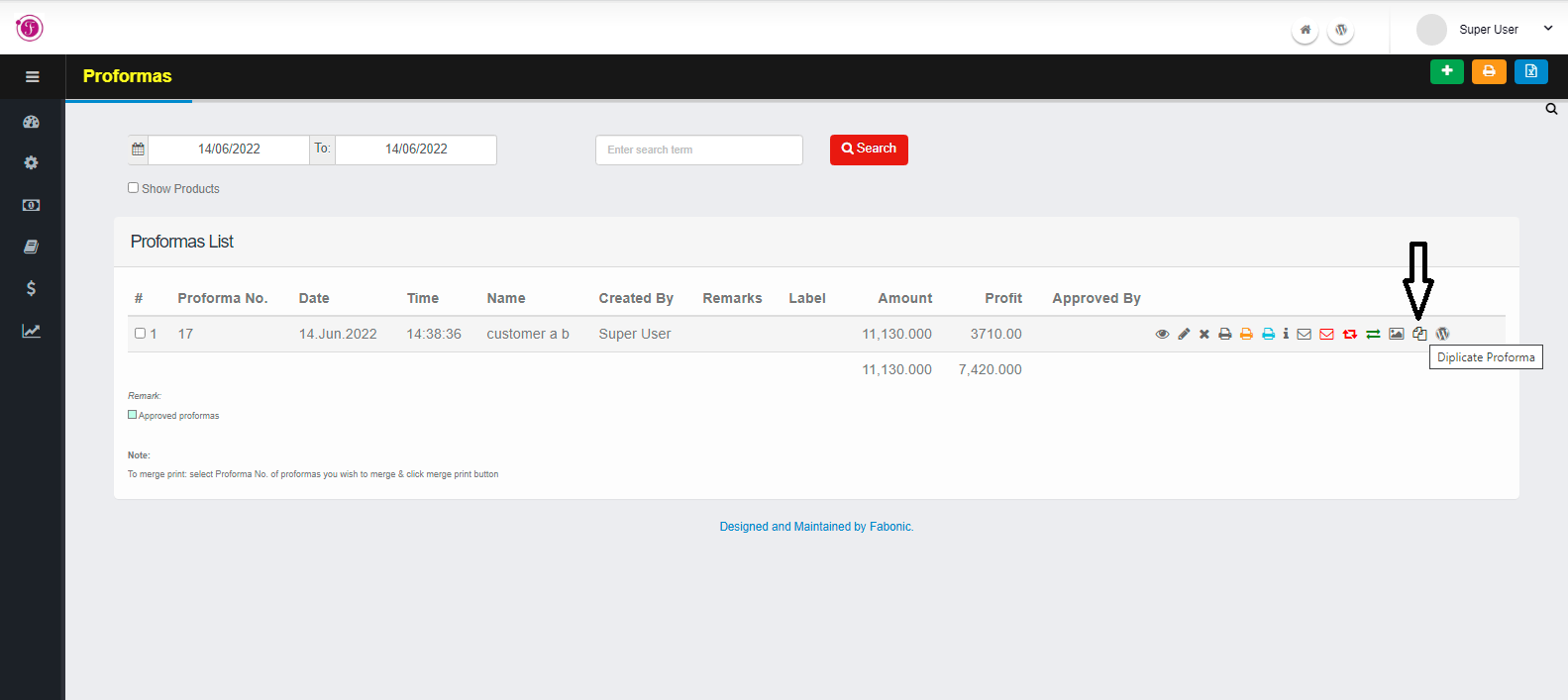
A proformas can be duplicated to a multiple file. In order to duplicate a proformas to a multiple copy navigate to a proformas submenus. Navigate to proformas list by clicking on Transactions then proformas and finally…

Read more

FIS Updates

How to Record Nozzle Readings (PETROL PUMP)

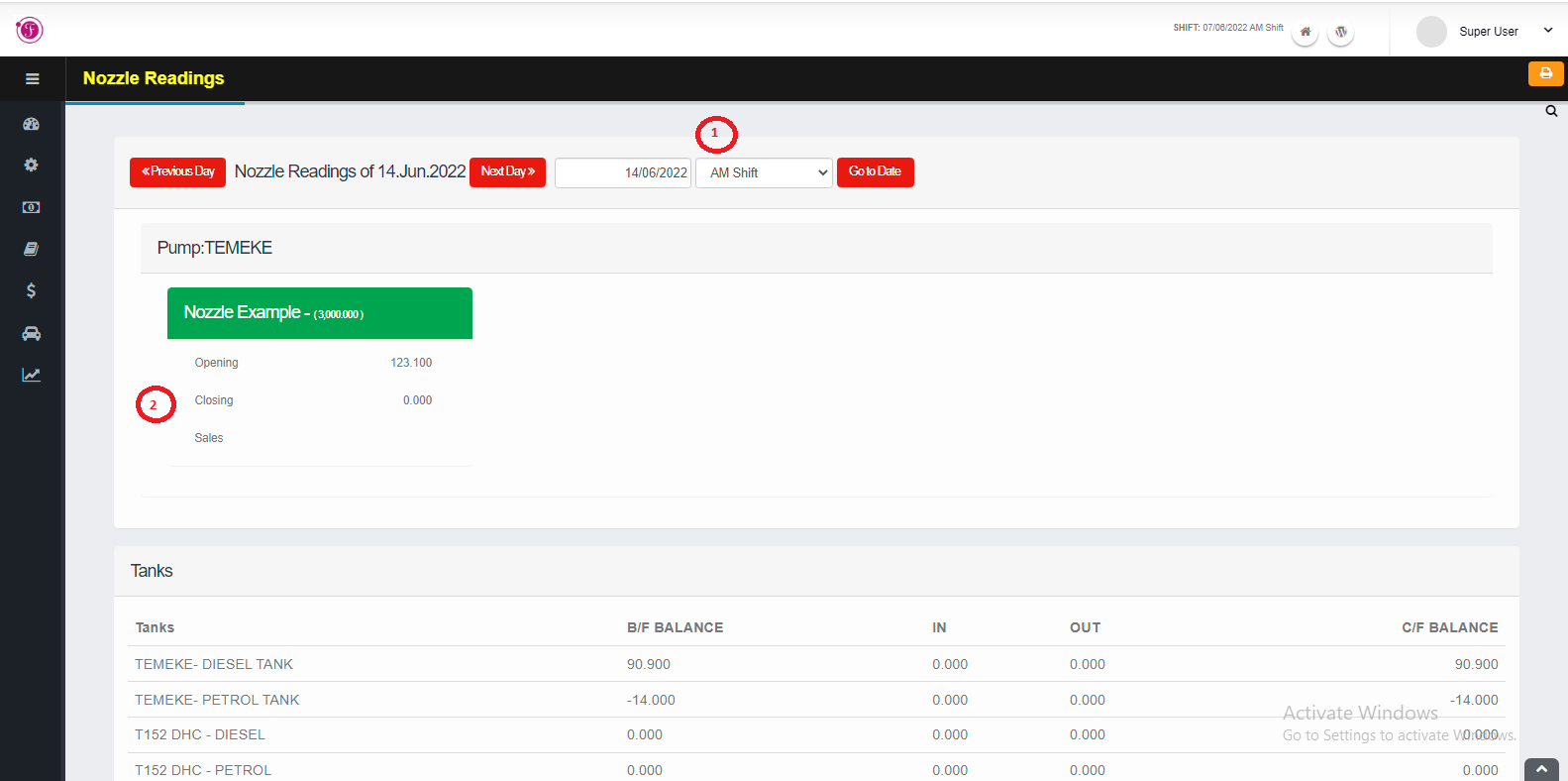
To record nozzle reading navigate to Pumps menu and then click Daily Readings, the page to record all the reading will open where there will be list of nozzles and their recordings The details after recording the nozzle…

Read more

FIS Updates

How to Change shift (PETROL PUMP)

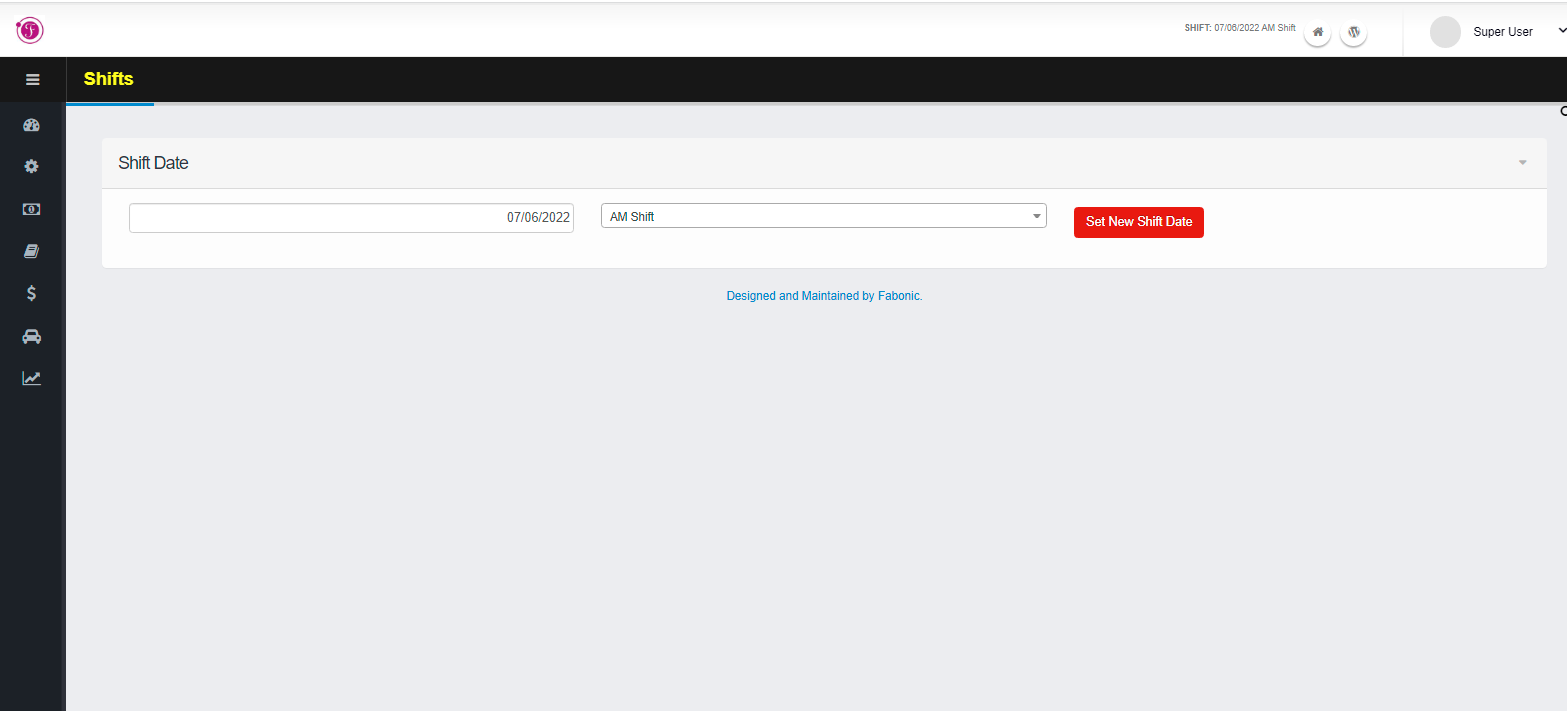
You can change shift by clicking on masters menus and choose shift Date submenu and it will open the shift page. Choose the shift you want to set and click on Set New shift Date red button to set the shift.

Read more

FIS Updates

How to Add a Ledgers

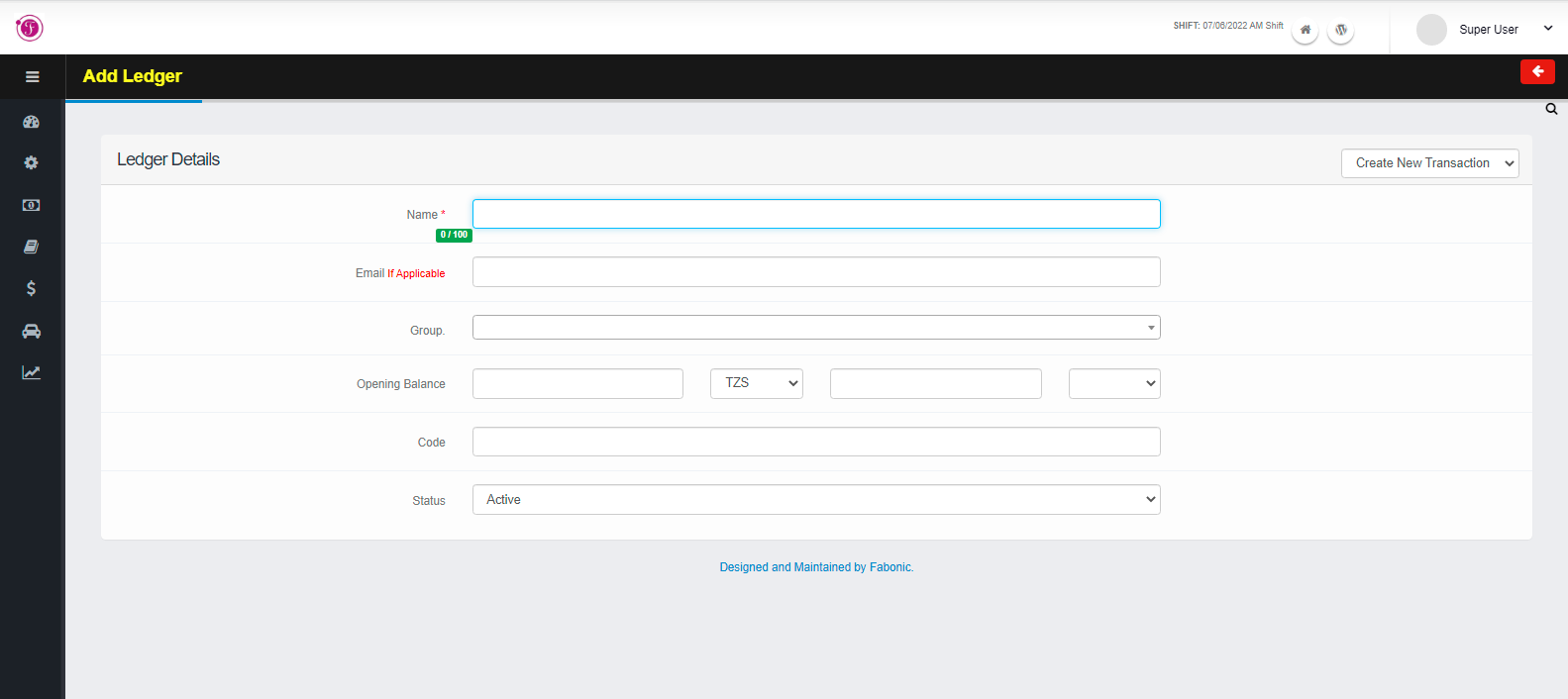
You can go to ledgers page by clicking on Account Masters menu and navigate through ledger submenus Follow the following are the steps to add a new ledgers: – Click on the plus green icon to add new ledger and it…

Read more

FIS Updates

How to Record the cash receipt

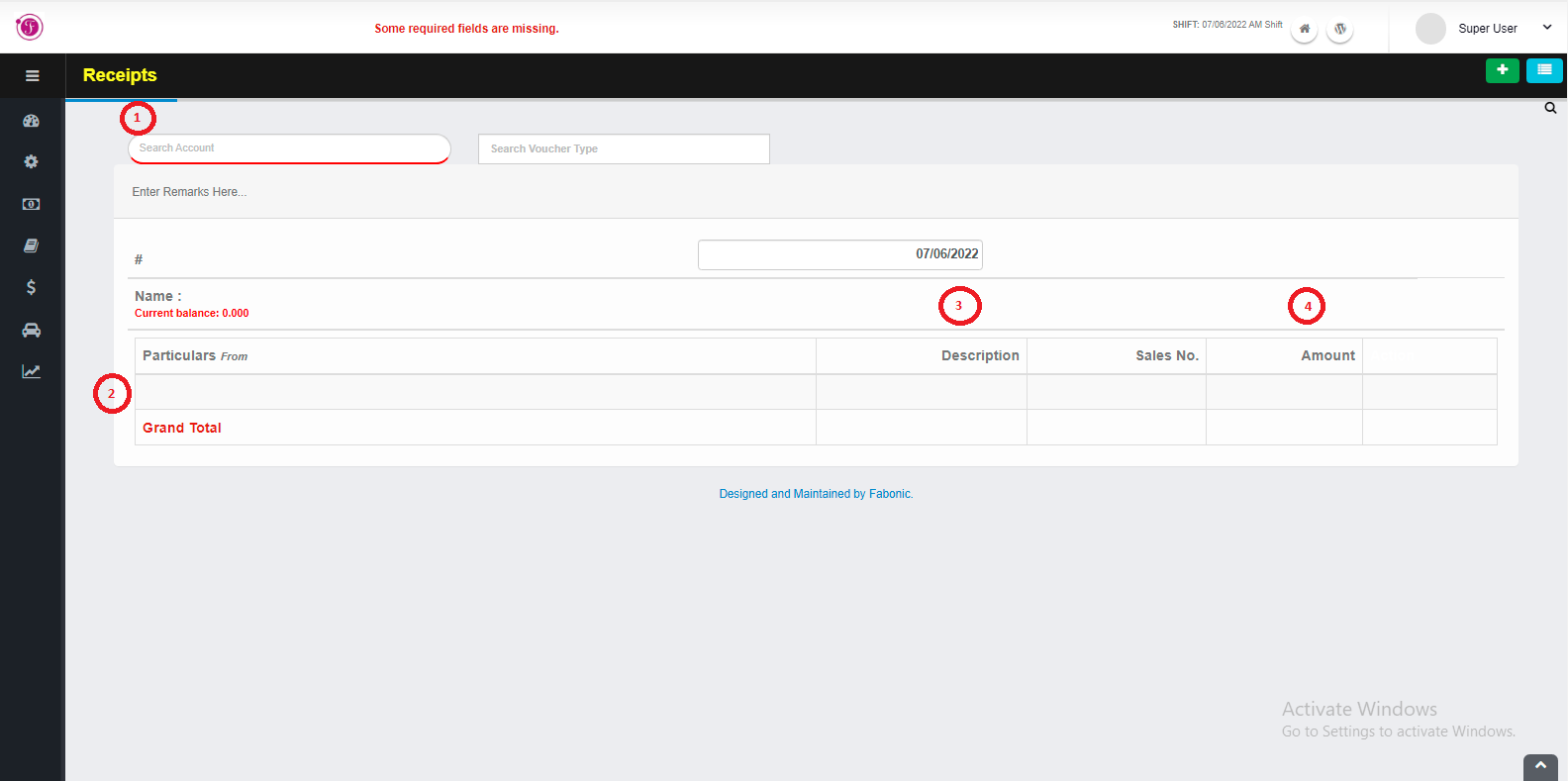
In order to create a receipt for the first time, choose the Financial Transaction menus and select receipt. On a search space with the name “search account” enter an account name which you want to receive the to cash…

Read more

FIS Updates

How to create Sales entry

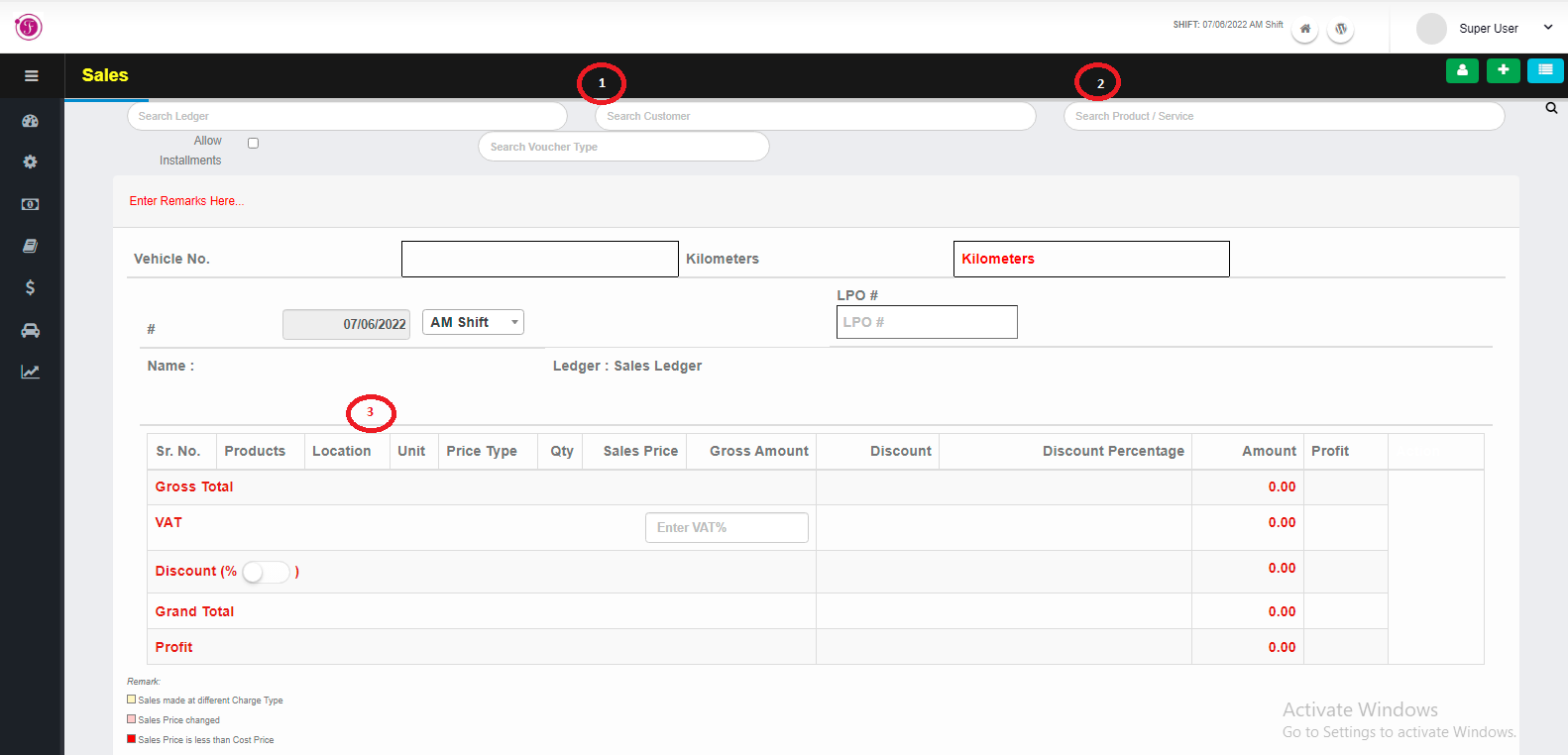
In order to create sales entries for the first time, choose the Transaction menus and select sales. On a search space with the name “search customer” enter a customer name you want to make sales. If the name of a…

Read more

Tell us what you are trying to fix.

A short conversation is usually enough to tell whether we have something that fits, or whether you need something built. Either way you will get a straight answer.

Call us +255 786 110 021 Email us info@fabonic.co.tz
Dar es Salaam Osman Tower, 3rd Floor, Zanaki Street
Opposite Elia Complex