Protect Yourself from Hackers, Viruses, and Ransomware: Email Safety Tips
Discover essential email safety measures to shield yourself from cyber threats. Learn how to spot suspicious emails and safeguard against phishing attempts.
By Fabonic Admin
Protect Yourself from Hackers, Viruses, and Ransomware: Email Safety Tips
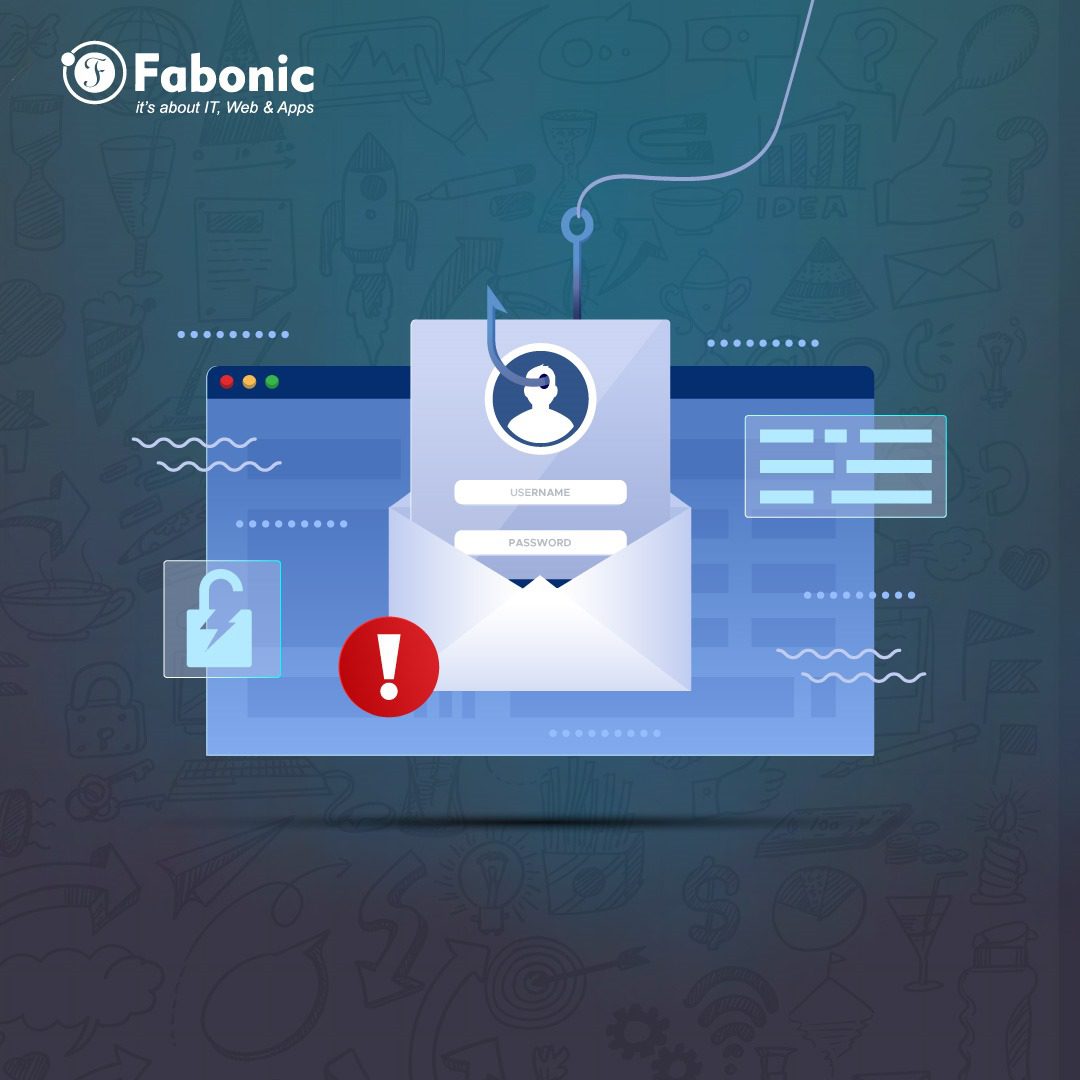
In today’s digital age, emails are a vital part of our daily communication. However, they are also a prime target for hackers, viruses, and ransomware. Cybercriminals use various tactics to trick you into giving them access to your personal information or infecting your devices with malicious software. One of the most common methods is through deceptive emails. In this blog, we’ll discuss how to recognize and protect yourself from these dangerous emails.
Recognizing Suspicious Emails
Hackers often use urgent and alarming email subjects to catch your attention and trick you into acting quickly without thinking. Here are some common email subjects that should raise a red flag:
- “Action Required: Someone from an unrecognized location tried logging into your e-Mail few minutes ago.”
- “RE: New Order ABC 23432- Urgent !!!”
- “yourwebsite.com Server failure!!!”
- “Attention info you hαve (3) delαyed E-mαils”
- “[#2342] Shipping Advice for Consignment Arriving Soon”
These subjects are designed to create a sense of urgency and prompt you to click on links or download attachments without proper verification.
Signs of a Hack Attempt
Hackers often include specific elements in their emails to lure you into their traps. Here’s how to identify a potential hack attempt:
- Urgent Subject Lines: The subject line is designed to create panic and urgency, making you feel like you need to act immediately.
- Suspicious Links: These emails will usually contain links urging you to “fix” a problem or “verify” your information. Always hover over links to see the actual URL before clicking.
- Attachments with Dangerous Extensions: Be wary of attachments with extensions like .rar, .gz, .pdf, .xlsx, .docx. These files can contain malicious software.
Examples of Dangerous Emails
Let’s look at some specific examples and their warning signs:
- Email Subject: “Action Required: Someone from an unrecognized location tried logging into your e-Mail few minutes ago.
- Red Flags: Urgency, link to click, attachment with suspicious extensions.
- Email Subject: “RE: New Order ABC 23432- Urgent !!!”
- Red Flags: Unsolicited order details, urgency, link to click.
- Email Subject: “yourwebsite.com Server failure!!!”
- Red Flags: Urgency, technical jargon to intimidate, link to click.
- Email Subject: “Attention info you hαve (3) delαyed E-mαils”
- Email Body: “Kindly FIX THE PROBLEM HERE to αvoid missing importαnt mαils.”
- Red Flags: Urgency, unusual characters (like α instead of a), link to click.
- Email Subject: “[#2342] Shipping Advice for Consignment Arriving Soon”
- Email Body: “FOR ATTENTION OF THE IMPORT / PURCHASING DEPARTMENT”
- Red Flags: Unsolicited shipping information, link to click, attachment with suspicious extensions.
Protective Steps
To protect yourself from falling into these traps, follow these safety tips:
- Verify the Sender: Check the email address carefully. Hackers often use email addresses that look similar to legitimate ones.
- Do Not Click on Links: Hover over links to see where they lead. If it looks suspicious, do not click.
- Do Not Open Unrecognized Attachments: Avoid opening attachments from unknown senders, especially if the file extension is unusual.
- Look for Spelling and Grammar Mistakes: Many phishing emails contain spelling and grammar errors.
- Enable Email Filtering: Use your email provider’s filtering options to block spam and suspicious emails.
- Update Security Software: Ensure your antivirus and anti-malware software is up to date.
- Educate Yourself and Others: Stay informed about the latest phishing tactics and share this knowledge with friends and family.
Conclusion
Hackers are constantly finding new ways to deceive us, but by staying vigilant and knowing the signs of a malicious email, you can protect yourself from falling victim to their schemes. Always take a moment to verify the legitimacy of an email before taking any action. Your cybersecurity is in your hands—stay alert and stay safe.
For more information on protecting yourself from online threats, write to us at info@fabonic.co.tz
Stay safe, and remember: when in doubt, don’t click!