How to Record Opening Balance
You can navigate to Opening balance by clicking masters menus and then choose how to record opening balance. Follow the following are the steps to record your Opening stock: – Enter the location of your petrol…
By Fabonic Admin
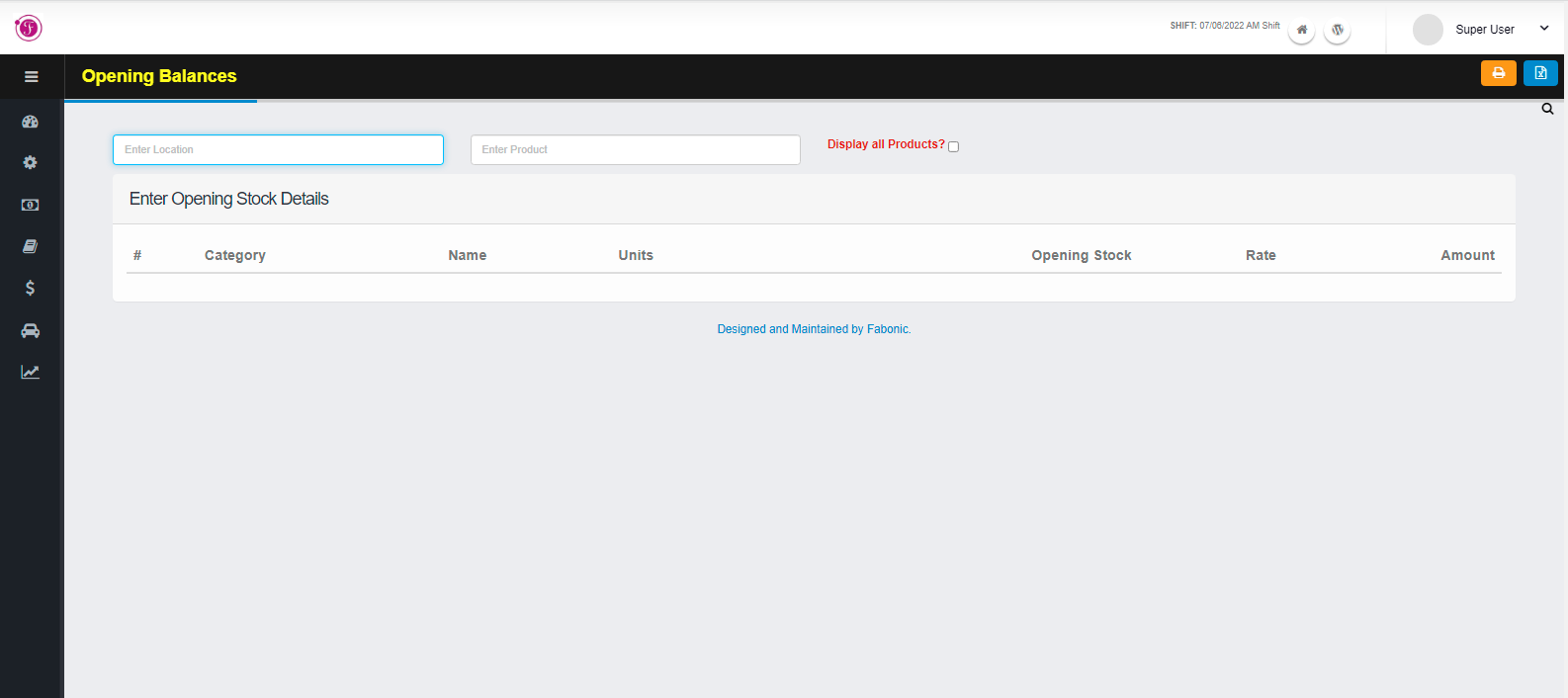
You can navigate to Opening balance by clicking masters menus and then choose how to record opening balance.
Follow the following are the steps to record your Opening stock: –
- Enter the location of your petrol pump you want to record its opening balance
- Enter the product’s name or you can check on “Display all Products?” check box if you want to record opening balance of all products.
- After the products have display enter its opening stock
- Click on the above blue icon to export the list to excel sheet, use the orange icon to print the list of opening stock