Domain Registration in Tanzania
Critical Changes to .tz Domain Renewal: What Every Domain Owner Must Know
Critical Changes to .tz Domain Renewal: What Every Domain Owner Must Know Published: September 23, 2025 If you own a .tz domain, September 24th 2025 marks a significant change that could impact your online presence. The…
By Fabonic Admin
Published: September 23, 2025
If you own a .tz domain, September 24th 2025 marks a significant change that could impact your online presence. The Tanzania Network Information Centre (tzNIC) has announced important modifications to the domain lifecycle that every .tz domain owner needs to understand immediately.
What’s Changing?
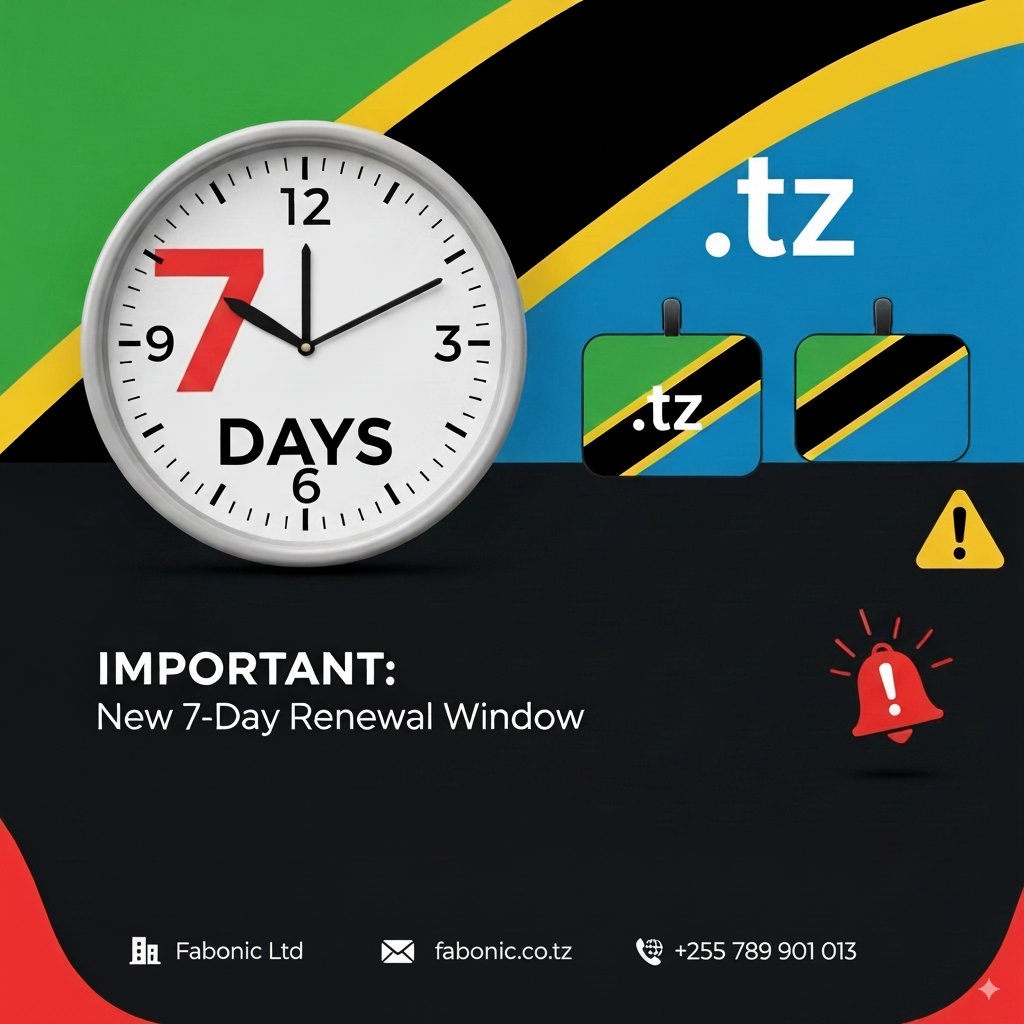
Starting September 24th 2025 at midnight (EAT), the grace period for expired .tz domains will be dramatically reduced from 30 days to just 7 days. This represents a 77% reduction in the time you have to recover an expired domain before it becomes unavailable.
Understanding the New Timeline
Previously, if your .tz domain expired, you had a full month to renew it without losing the domain entirely. Under the new system:
- Day 0: Domain expires
- Days 1-7: Grace period for renewal (domain still recoverable)
- Day 8 and beyond: Domain enters “out-of-zone” status and may become available for others to register
Why This Change Matters for Your Business
For businesses operating online, this change has significant implications:
Reduced Recovery Time: You now have less than a week to address an expired domain before potentially losing it forever.
Higher Risk of Service Disruption: Websites and email services will be interrupted more quickly if renewals are missed.
Increased Competition: Expired premium domains will become available to competitors much faster.
The Silver Lining: Enhanced Notification System
To help domain owners adapt to this change, tzNIC has implemented a comprehensive pre-expiry notification system:
- 20 days before expiry: First warning notification
- 10 days before expiry: Second warning notification
- 5 days before expiry: Final warning notification
These notifications will be sent to the contact email address associated with your domain registration.
Immediate Action Steps
1. Verify Your Domain Status
Log into your domain registrar’s portal or contact them directly to check:
- Your domain’s expiry date
- Contact information on file
- Auto-renewal status
2. Update Contact Information
Ensure your registrar has your current:
- Email address
- Phone number
- Billing information
3. Enable Auto-Renewal
Most reputable registrars offer auto-renewal services. Enabling this feature is the most effective way to prevent accidental expiry.
4. Set Personal Reminders
Don’t rely solely on registrar notifications. Set calendar reminders 30-45 days before your expiry date.
5. Review Your Renewal Strategy
Consider renewing for multiple years to reduce the frequency of this concern.
For IT Administrators and Web Agencies
If you manage multiple .tz domains for clients or your organization:
Audit Your Portfolio: Create a comprehensive list of all domains under management with their expiry dates.
Update Monitoring Systems: Adjust any automated monitoring to account for the shorter grace period.
Client Communication: Inform clients about the change and ensure they understand the importance of timely renewals.
Process Review: Evaluate your renewal processes to ensure they can handle the tighter timeline.
Understanding the Registry’s Motivation
This change isn’t arbitrary. The registry aims to:
- Encourage responsible domain management
- Reduce confusion among domain holders
- Minimize extended periods where domains remain in limbo
- Improve overall domain ecosystem health
Financial Considerations
While the change doesn’t affect renewal pricing, it does impact the cost of potentially losing a domain:
Domain Recovery: If your domain enters out-of-zone status, recovery may involve additional fees or may not be possible at all.
Rebranding Costs: Losing an established domain could necessitate expensive rebranding efforts.
SEO Impact: A new domain means starting over with search engine optimization.
Best Practices Moving Forward
For Individual Domain Owners:
- Renew domains at least 30 days before expiry
- Keep contact information current
- Use reputable registrars with good notification systems
- Consider multi-year renewals for important domains
for Businesses:
- Maintain a domain inventory with expiry tracking
- Assign domain management responsibility to specific team members
- Implement redundant notification systems
- Consider professional domain management services for large portfolios
What If You Miss the Deadline?
If your domain expires under the new system:
Days 1-7: Contact your registrar immediately to renew. Most registrars can still process renewals during this period.
Day 8+: Your options become limited. The domain may enter a redemption period with higher fees, or it may be released for general registration.
Preparing for September 24th 2025
With the change taking effect September 24th 2025 at midnight EAT, now is the time to:
- Review all your .tz domain holdings
- Verify contact information with registrars
- Enable auto-renewal where possible
- Set up additional reminder systems
- Communicate the change to relevant team members
Conclusion
While the reduction from 30 days to 7 days may seem drastic, it’s designed to encourage better domain management practices. With proper preparation and the enhanced notification system, domain owners can adapt to this change without disruption.
The key is proactive management. Don’t wait for expiry notifications to think about renewal. Make domain renewal a routine part of your business operations, just like any other critical business process.
Remember: your domain is often the first point of contact between your business and customers. Protecting it should be a priority, not an afterthought.
For questions about your specific .tz domain registration, contact your domain registrar directly.